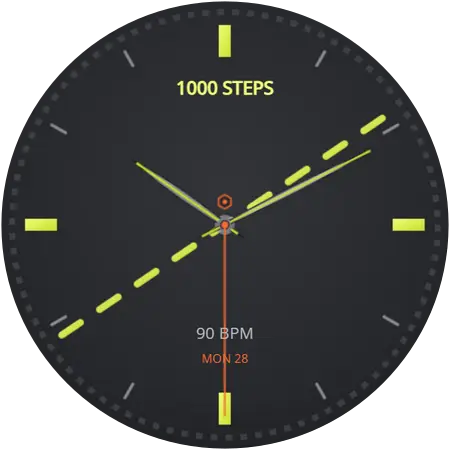
Watch faces for the Galaxy Watch 9
All 104 faces in this catalogue work on the Galaxy Watch 9. Pick one on your phone and it installs on the watch over Bluetooth — no PC, no cable, and the watch stays on your wrist.
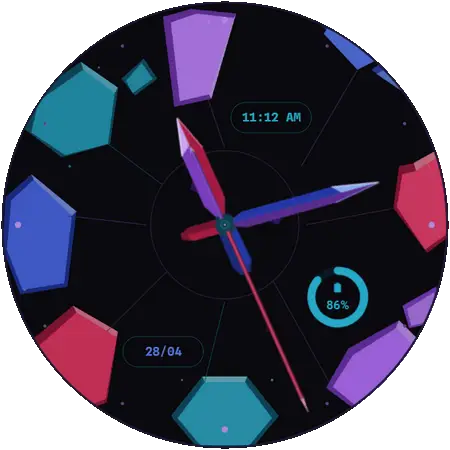
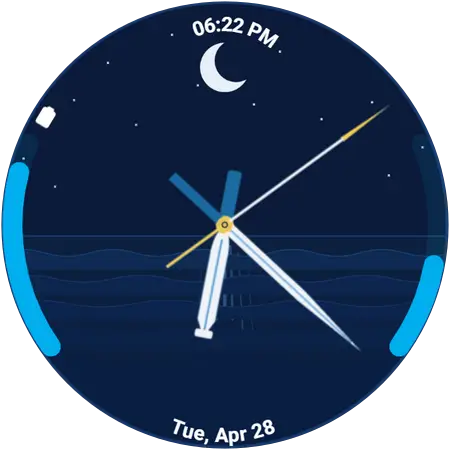
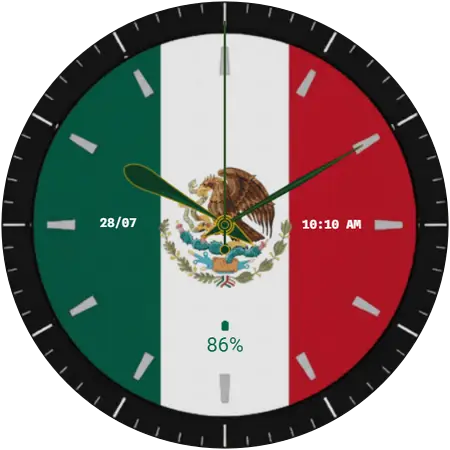
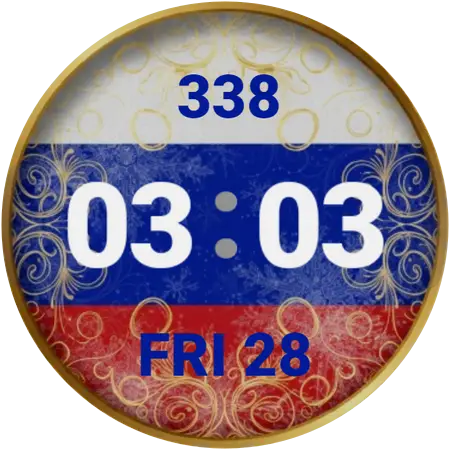
A few of them on the Watch 9
Twelve out of 104. Browse the whole catalogue, or jump to a style below.
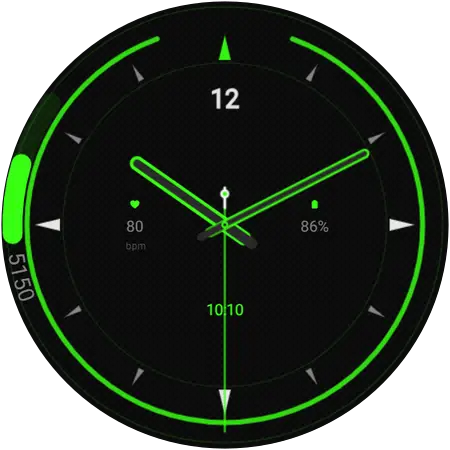
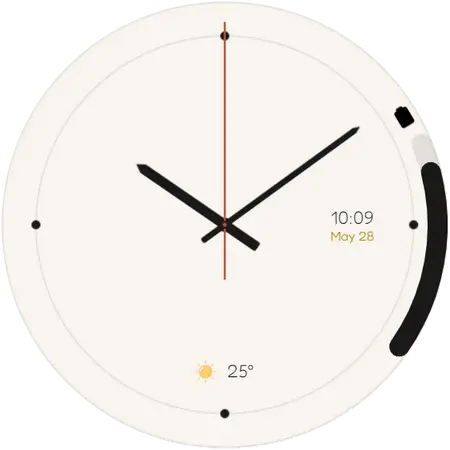
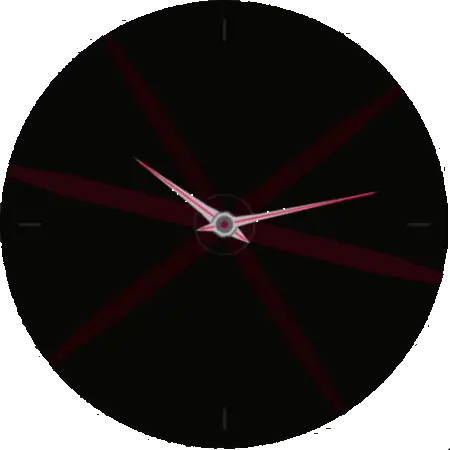
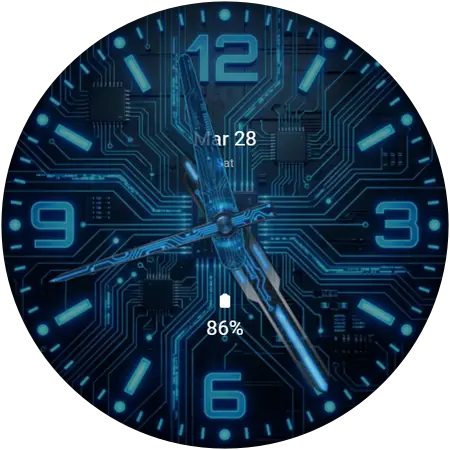
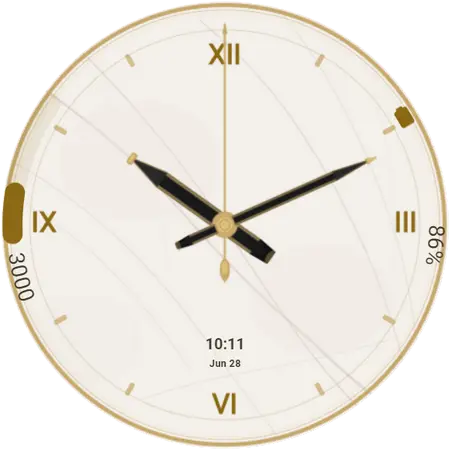
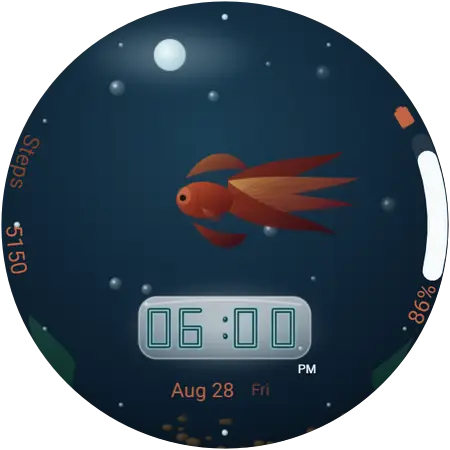
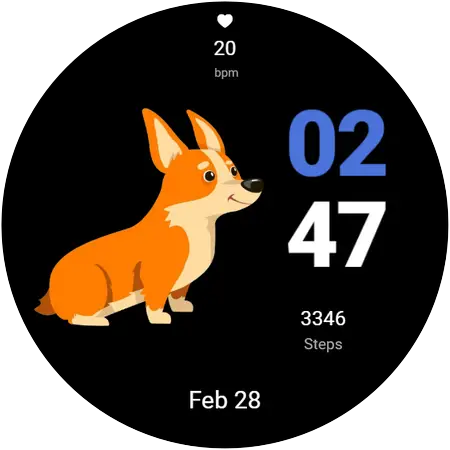
Will these work on my Galaxy Watch 9?
The Galaxy Watch 9 is Samsung’s current mainline smartwatch, announced on 22 July 2026 and on sale from 5 August. It is the newest watch this catalogue supports, and the least fuss of the lot: everything works out of the box, with nothing to update first.
It ships with One UI 9 Watch on Wear OS 7, which is newer than anything these faces need. Take it out of the box, pair it with your phone, and it can install watch faces immediately — there is no update to wait for.
On the watch: Settings → About watch → Software information. Every model side by side is in the compatibility table.
- Released
- August 2026
- Software needed
- Wear OS 6 (One UI 8 Watch) or newer
- Faces available
- All 104, across 9 styles
- Price
- Free — no account, no sign-up
How to change the watch face on a Galaxy Watch 9
About a minute, start to finish. The first face you apply asks for a one-time permission on the watch; after that it is a single tap. The full walkthrough explains what each screen is asking for, and there is a guide to what to do when a face will not show up. Once a face is on the watch, switching between dials is a long-press away.
- Install Galaxy Watch Faces on your phone
Get the free app from Google Play. There is nothing to sign up for.
- Open it next to your watch
The app finds the Galaxy Watch already paired with your phone. Keep both nearby and Bluetooth on.
- Find a face and tap Apply
Browse or search for a face, open it, and tap Apply. The first time, the watch asks for permission — accept it on the watch.
- The face installs over the air
The face transfers to the watch wirelessly and switches on by itself. No PC, no cable, no file transfer.
Get the app for your Watch 9
Being brand new, it is also the model most likely to still be on its original strap and its original dial. Changing the face is the fastest way to make a new watch feel like yours, and it takes about a minute.
Galaxy Watch 9 questions
Can the Galaxy Watch 9 use these watch faces?
Yes. It ships with One UI 9 Watch on Wear OS 7, which is newer than anything these faces need. Take it out of the box, pair it with your phone, and it can install watch faces immediately — there is no update to wait for.
What software does the Galaxy Watch 9 need?
Wear OS 6 or newer, which Samsung ships as One UI 8 Watch. On the watch: Settings → About watch → Software information. If the Watch 9 is on something older, update it from the Galaxy Wearable app on your phone: Watch settings, then Watch software update. The update is free.
How do I put a new face on my Galaxy Watch 9?
Install the free Galaxy Watch Faces app on the Android phone your Watch 9 is paired with, open it next to the watch, and tap the face you want. It transfers over Bluetooth and switches on by itself — no PC, no cable, and the watch never leaves your wrist.
Are the faces for the Galaxy Watch 9 free?
Most of them, yes — free, with no account and no sign-up. A small premium collection needs the app’s optional subscription, and those faces are labelled premium everywhere they appear.
More of these on the frequently asked questions page, and longer answers in the guides.