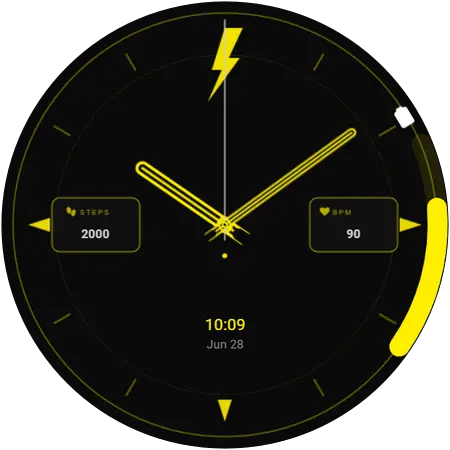
Watch faces for the Galaxy Watch Ultra 2
All 104 faces in this catalogue work on the Galaxy Watch Ultra 2. Pick one on your phone and it installs on the watch over Bluetooth — no PC, no cable, and the watch stays on your wrist.
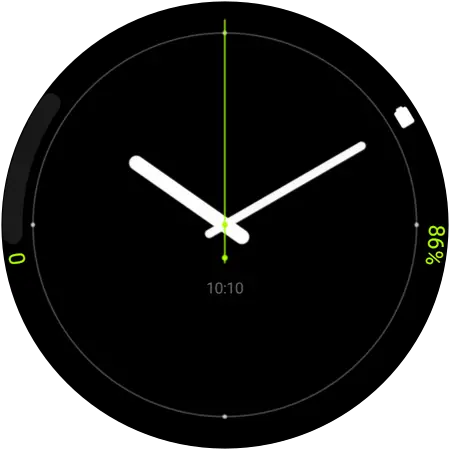
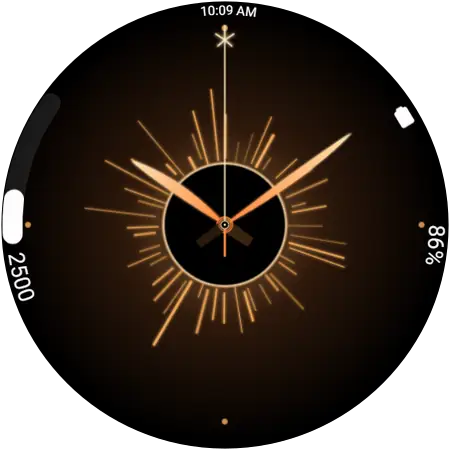
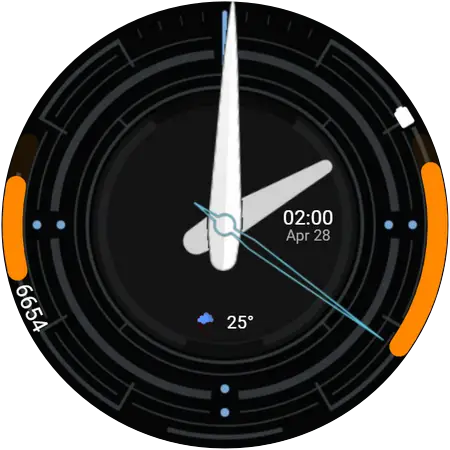
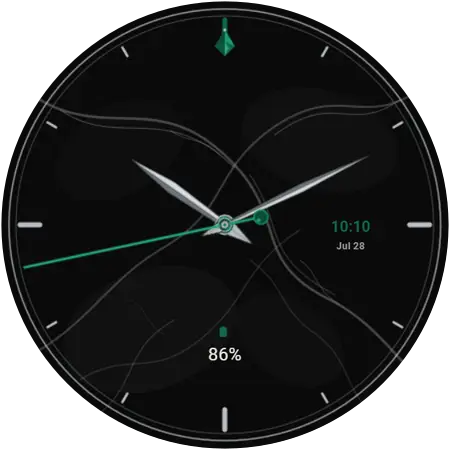
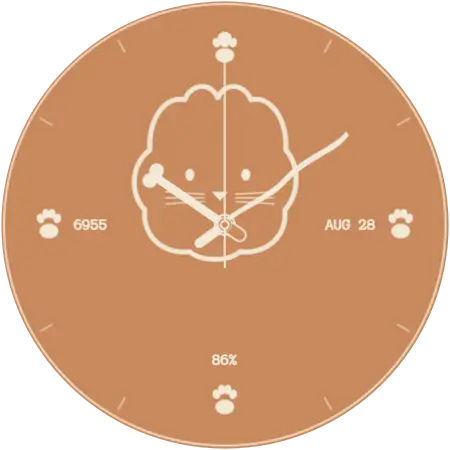
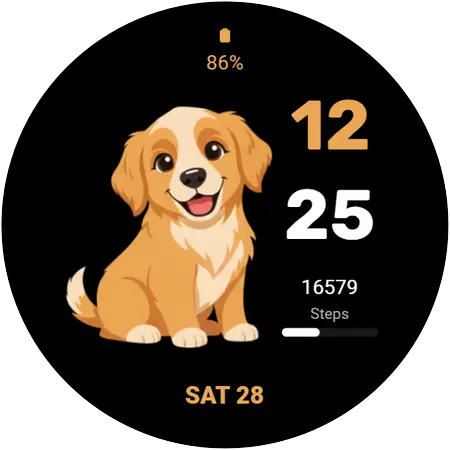
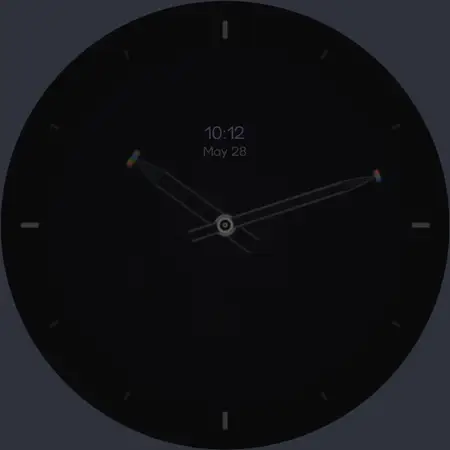
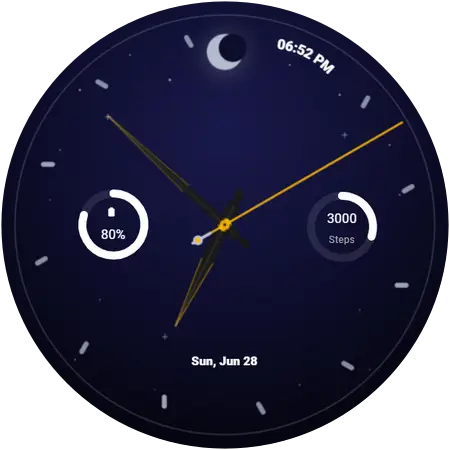
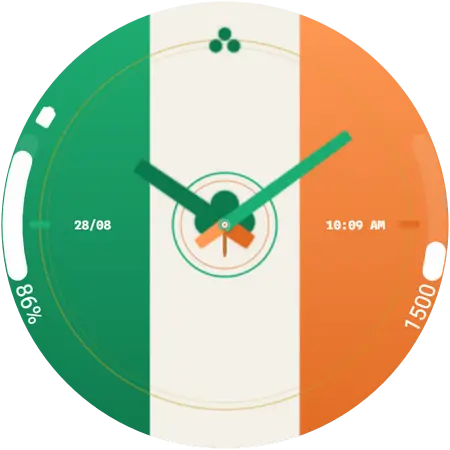
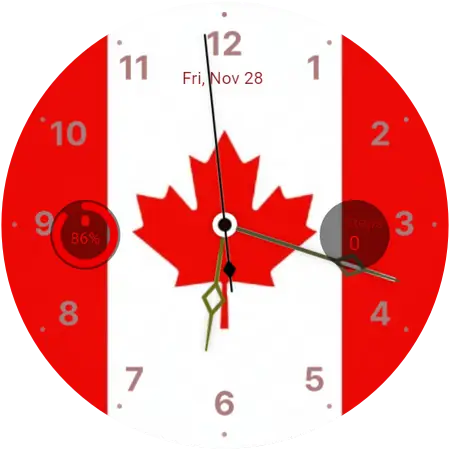
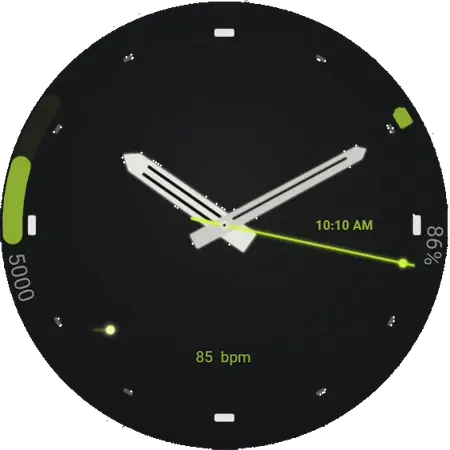
A few of them on the Watch Ultra 2
Twelve out of 104. Browse the whole catalogue, or jump to a style below.
Will these work on my Galaxy Watch Ultra 2?
The Galaxy Watch Ultra 2 is the second generation of Samsung’s rugged, titanium-cased Ultra line, launched alongside the Galaxy Watch 9 on 5 August 2026. Like the first Ultra it sits at the top of the range, aimed at outdoor and endurance use rather than everyday wear.
It ships with One UI 9 Watch on Wear OS 7, comfortably above the floor these faces need, so it can install them from the moment it is paired.
On the watch: Settings → About watch → Software information. Every model side by side is in the compatibility table.
- Released
- August 2026
- Software needed
- Wear OS 6 (One UI 8 Watch) or newer
- Faces available
- All 104, across 9 styles
- Price
- Free — no account, no sign-up
How to change the watch face on a Galaxy Watch Ultra 2
About a minute, start to finish. The first face you apply asks for a one-time permission on the watch; after that it is a single tap. The full walkthrough explains what each screen is asking for, and there is a guide to what to do when a face will not show up. Once a face is on the watch, switching between dials is a long-press away.
- Install Galaxy Watch Faces on your phone
Get the free app from Google Play. There is nothing to sign up for.
- Open it next to your watch
The app finds the Galaxy Watch already paired with your phone. Keep both nearby and Bluetooth on.
- Find a face and tap Apply
Browse or search for a face, open it, and tap Apply. The first time, the watch asks for permission — accept it on the watch.
- The face installs over the air
The face transfers to the watch wirelessly and switches on by itself. No PC, no cable, no file transfer.
Get the app for your Watch Ultra 2
An Ultra display flatters detailed dials more than any other model in the range — sport faces with lap markers and high-contrast luxury dials both stay readable at a glance in direct sun.
Galaxy Watch Ultra 2 questions
Can the Galaxy Watch Ultra 2 use these watch faces?
Yes. It ships with One UI 9 Watch on Wear OS 7, comfortably above the floor these faces need, so it can install them from the moment it is paired.
What software does the Galaxy Watch Ultra 2 need?
Wear OS 6 or newer, which Samsung ships as One UI 8 Watch. On the watch: Settings → About watch → Software information. If the Watch Ultra 2 is on something older, update it from the Galaxy Wearable app on your phone: Watch settings, then Watch software update. The update is free.
How do I put a new face on my Galaxy Watch Ultra 2?
Install the free Galaxy Watch Faces app on the Android phone your Watch Ultra 2 is paired with, open it next to the watch, and tap the face you want. It transfers over Bluetooth and switches on by itself — no PC, no cable, and the watch never leaves your wrist.
Are the faces for the Galaxy Watch Ultra 2 free?
Most of them, yes — free, with no account and no sign-up. A small premium collection needs the app’s optional subscription, and those faces are labelled premium everywhere they appear.
More of these on the frequently asked questions page, and longer answers in the guides.